Projects
Projects

I design end-to-end product experiences and the UX systems that sustain them — from early foundations through growth, optimization, and scalability.
Celigo was a Series A SaaS startup focused on helping customers automate data movement between enterprise systems. I joined as the first product designer, partnering directly with product and engineering to define not just the interface, but how the product itself would scale.
The company’s success depended on enabling customers to build and maintain complex integrations independently, without professional services—yet the product was still in its earliest stages.
At the time, most of the product did not yet exist.
There was:
Rather than refining existing interfaces, the challenge was to design a system that could support features we didn't even know about yet.
Create a scalable design system that could:
This system needed to function as UX infrastructure, not just visual consistency.
Instead of designing around existing UI, I modeled the system around conceptual primitives:
This allowed future features—like the flow mapper, code editor, and branch logic—to emerge naturally within an established framework rather than forcing redesigns later.
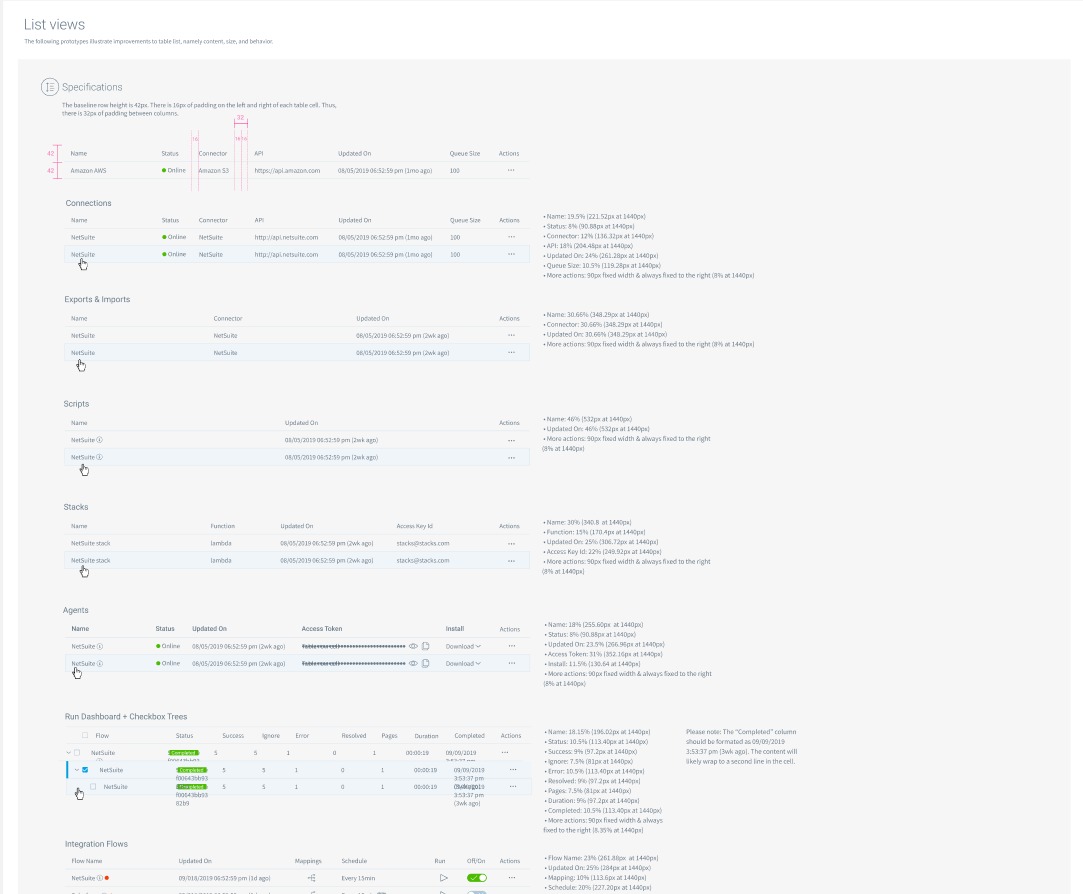
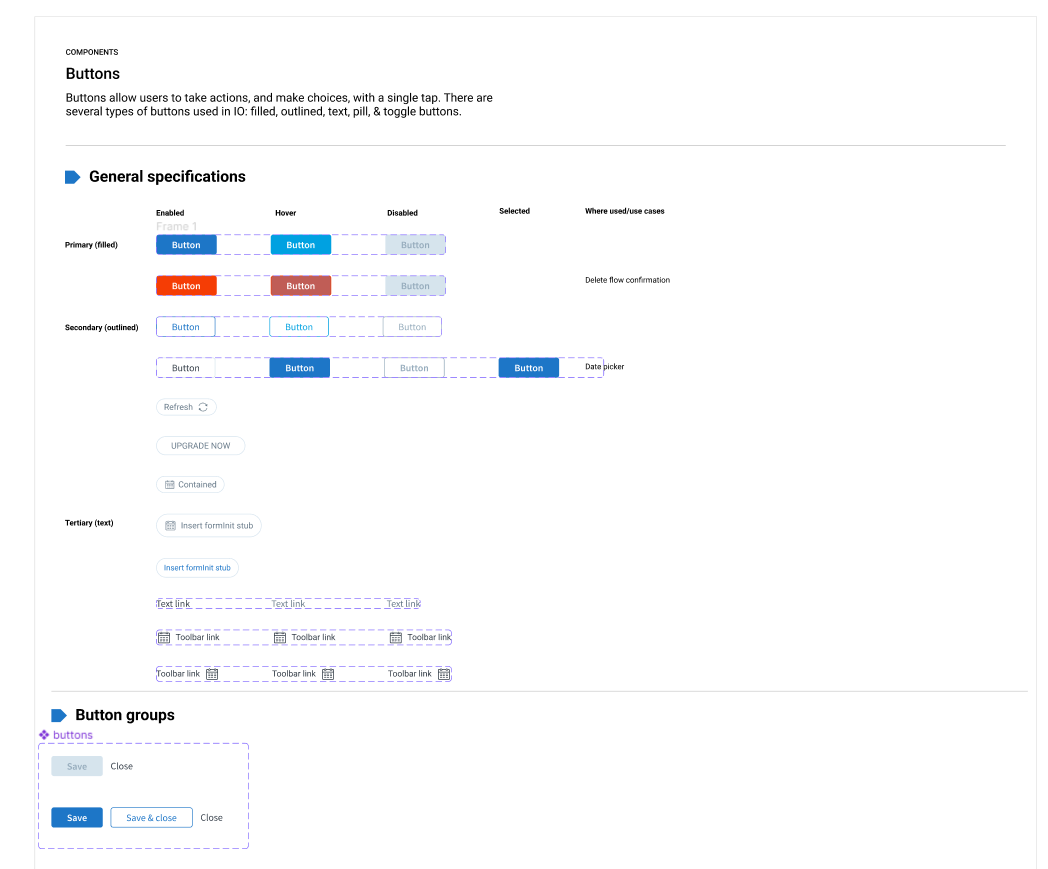
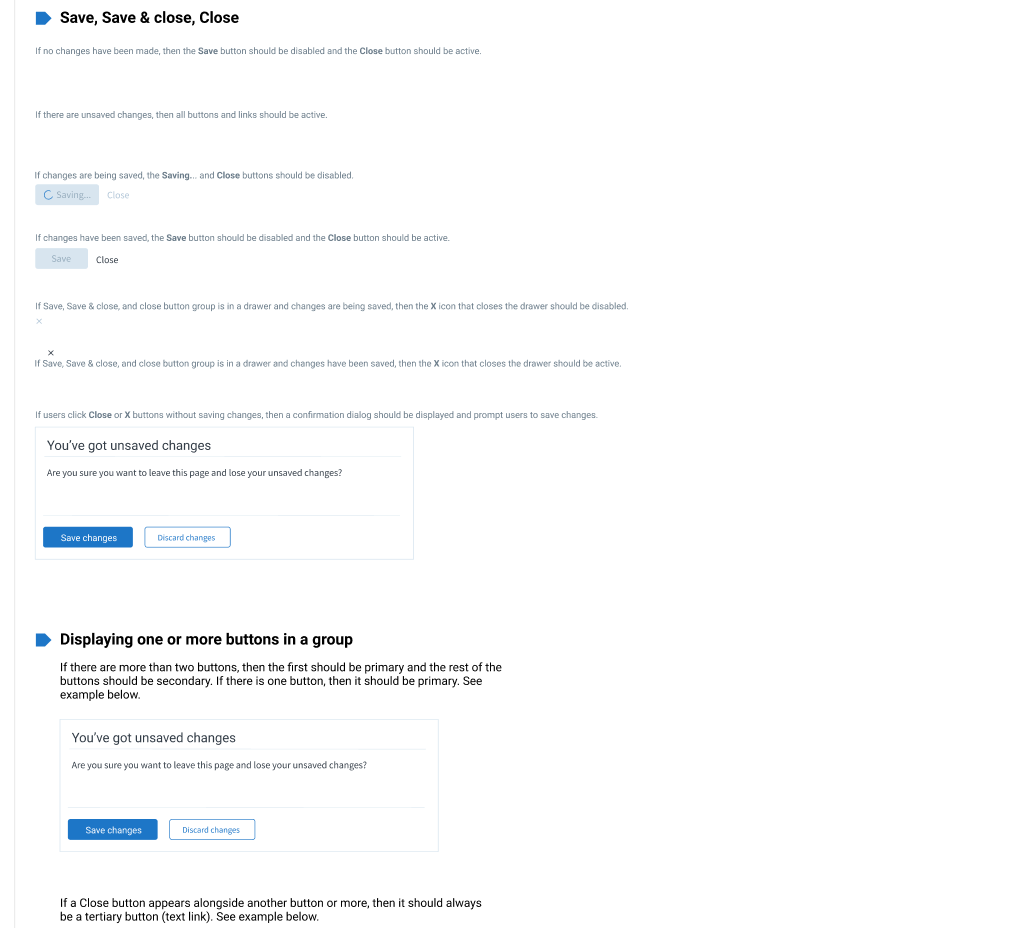
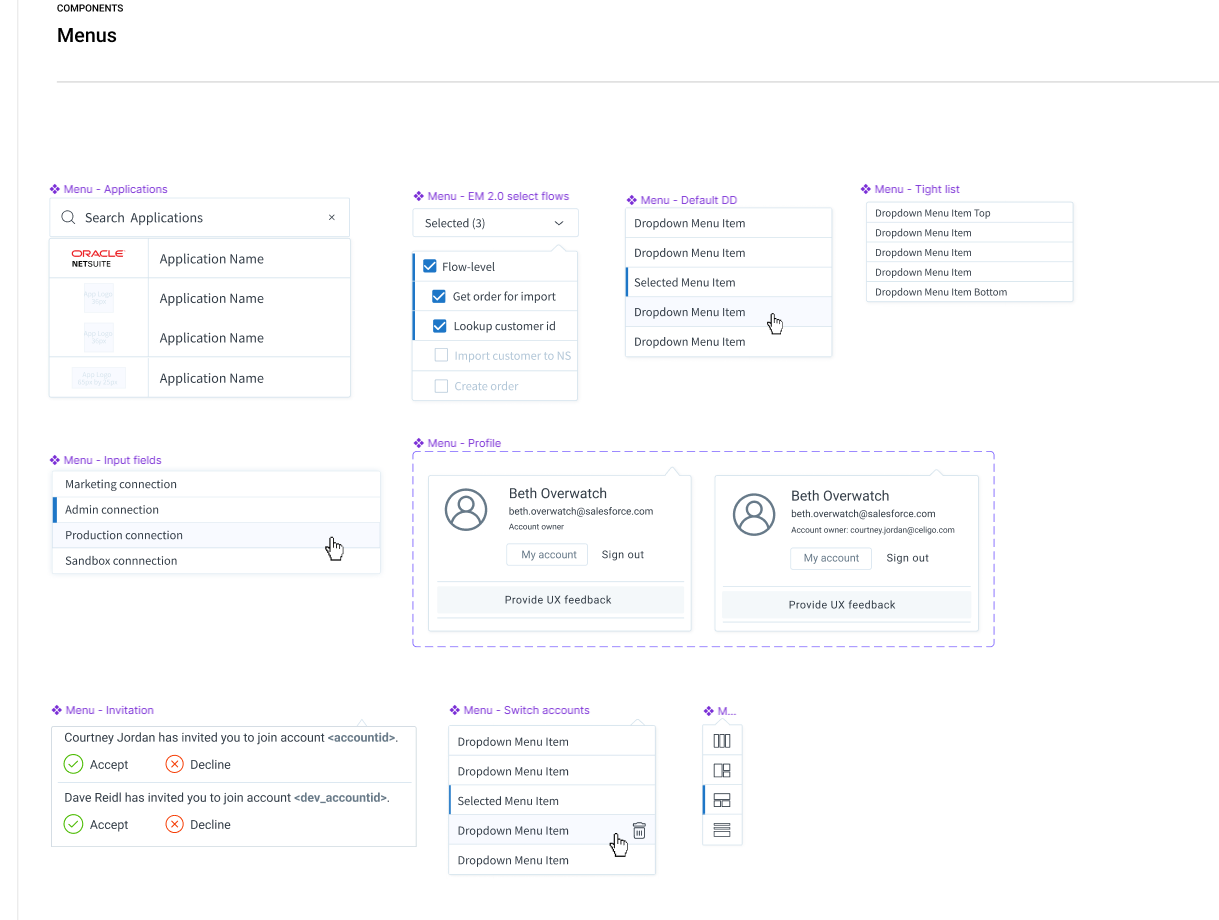
I created system-level decisions that could be reused everywhere:
Material UI served as a starting point, but required significant customization to handle Celigo’s domain-specific complexity.
Even before advanced features existed, the system:
These decisions directly informed later designs for mapping, scripting, and branching.
The system:
Accessibility was treated as foundational, not a retrofit.
Because the product itself was evolving:

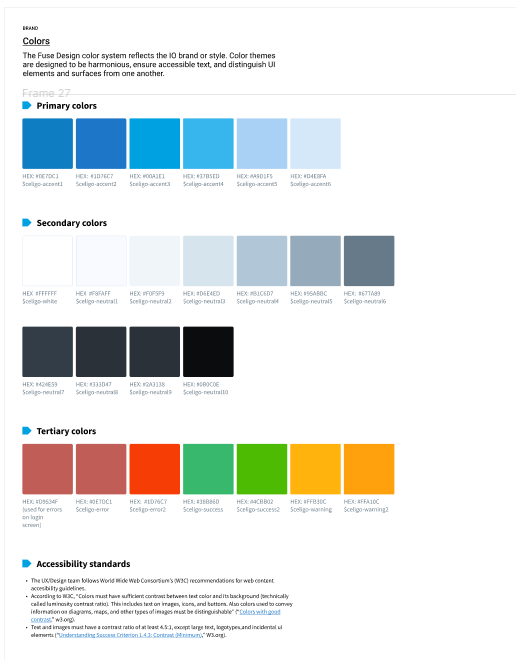
Created color palettes for main production flow environment as well as sandbox environment.

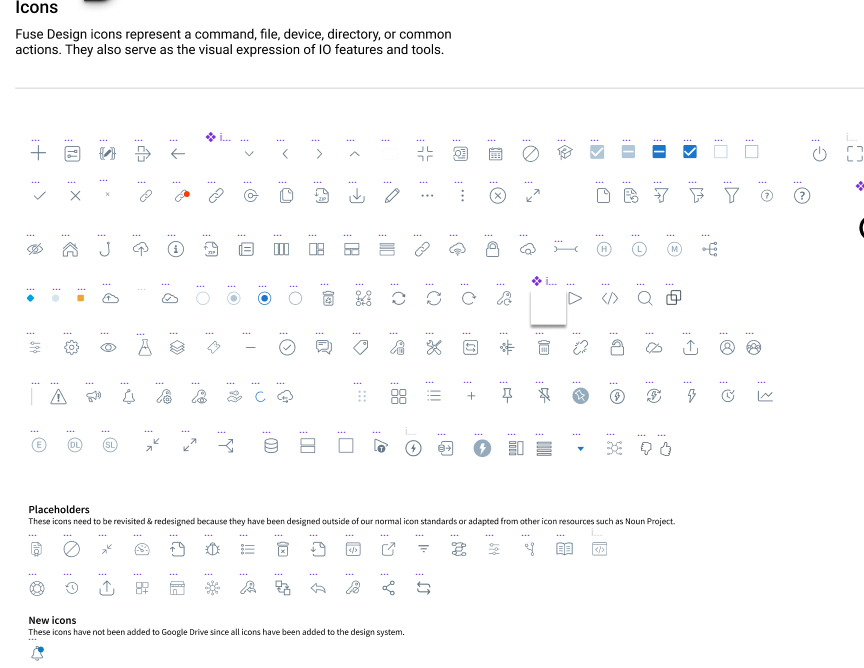

Our integration platform showed the logos of the applications that were involved in the flow, allowing for quick identification.

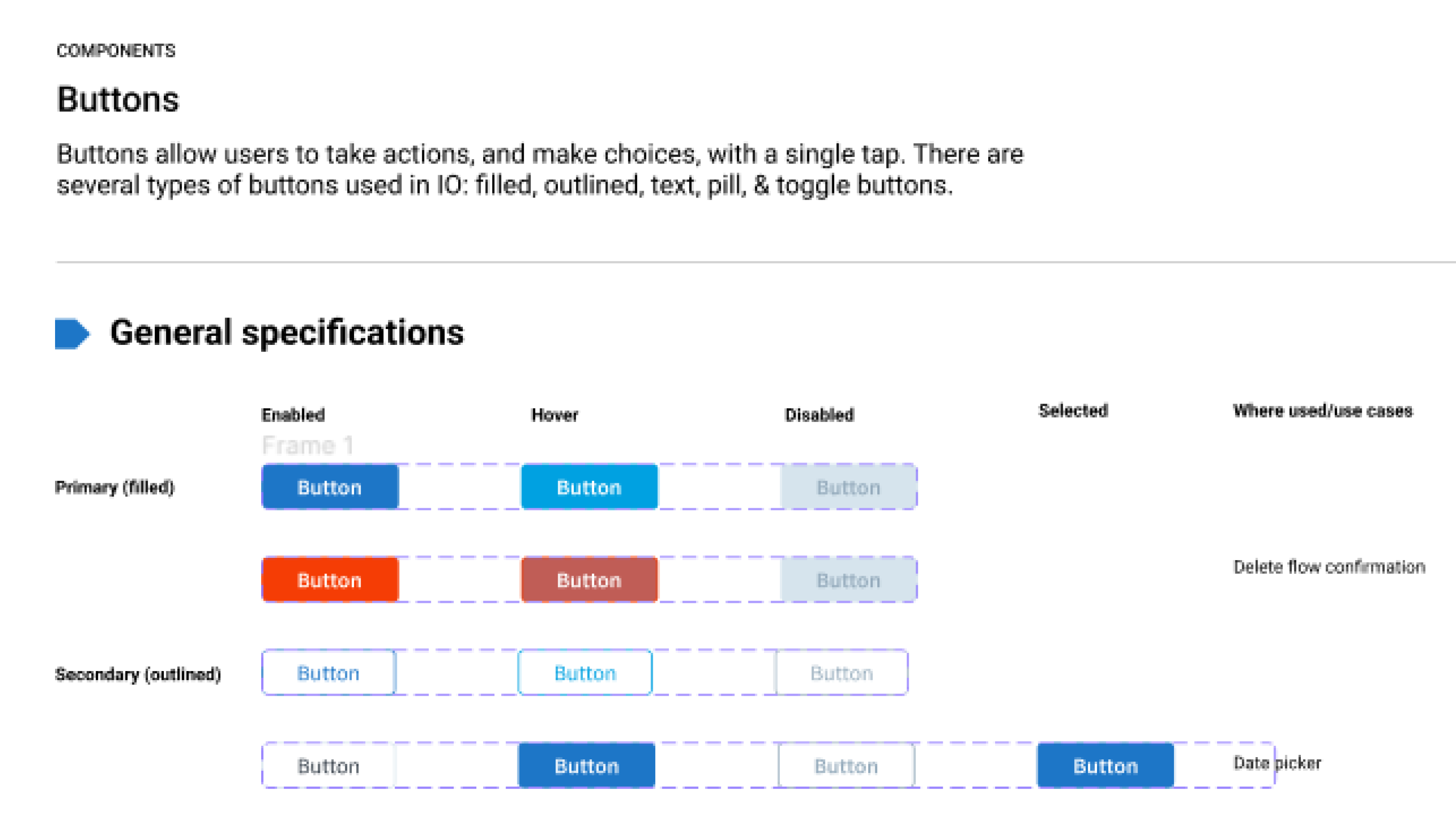
There were several sizes of panels, or drawers as we called them internally.