Projects
Projects

I design end-to-end product experiences and the UX systems that sustain them — from early foundations through growth, optimization, and scalability.
Axway’s support site was the result of multiple acquisitions, each with its own documentation systems, formats, and taxonomies.
Customers trying to install, upgrade, or troubleshoot their software often couldn’t find what they needed — forcing support engineers to email files manually. Search returned irrelevant or outdated results, lacked analytics, and provided no insight into failure patterns.
There was no synonym mapping, no standardized metadata, and no measurement of precision or recall. Every department owned a slice of the content but no one owned the overall search experience.
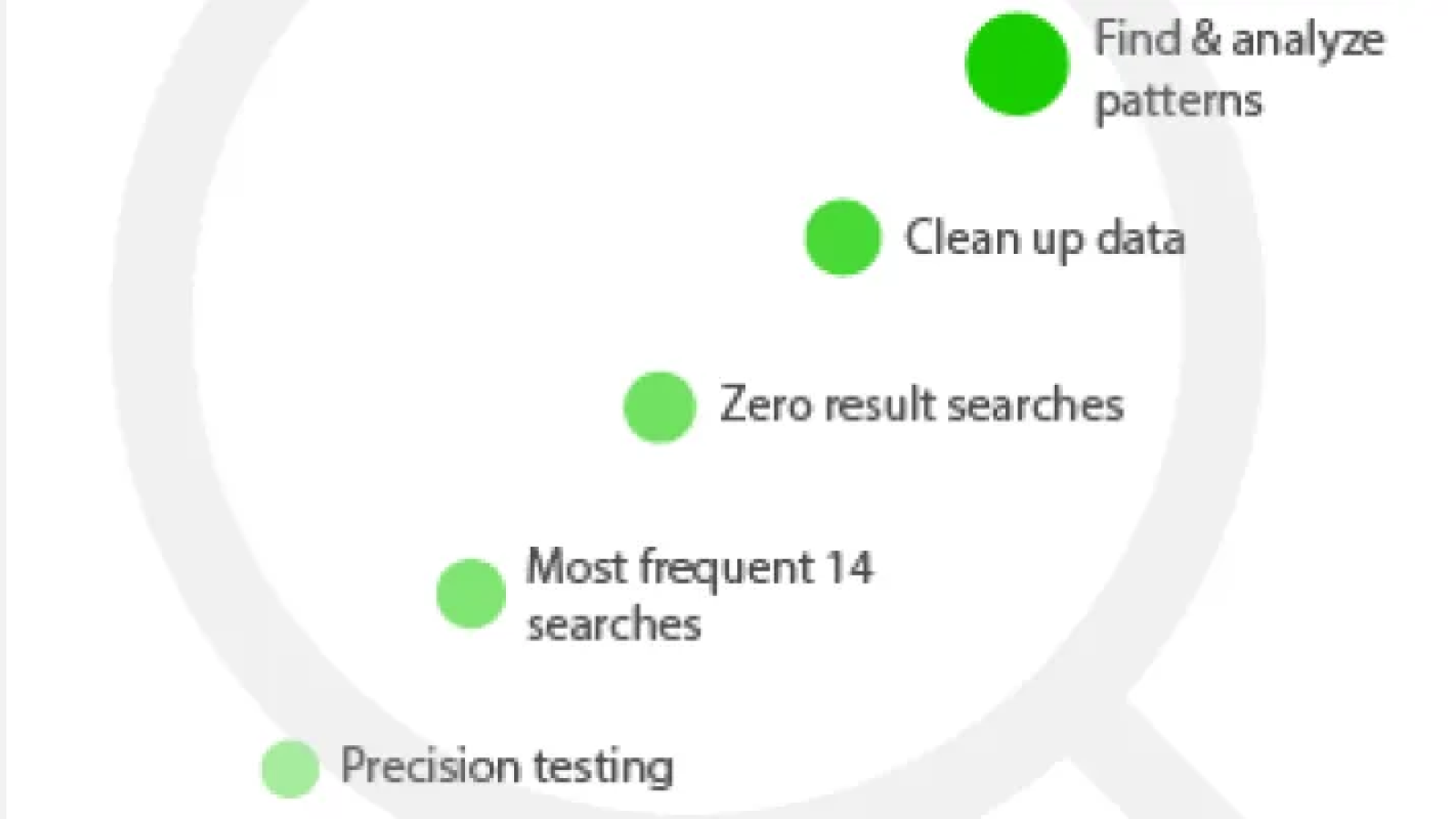
I introduced search analytics as part of the UX process, combining quantitative log analysis with qualitative user research. The goal: transform search from a blind retrieval system into a measurable, continuously improving self-service engine.
Storyboarding the problem to gain stakeholder buy-in
As you know, a picture is worth 1000 words, so I storyboarded the main use cases: installing, upgrading, and troubleshooting. This helped to gain stakeholder buy-in, as they could understand the emotional ups and downs from sign in through finding the right documentation to update their system or troubleshoot a problem.

Sketching out the customer journey: At this point, users never got an email to upgrade or knew where to get the doc update, and no one had thought about the customer journey across touchpoints in the ecosystem.

With the increase in effort and cognitive burden, the user's trust plummets…
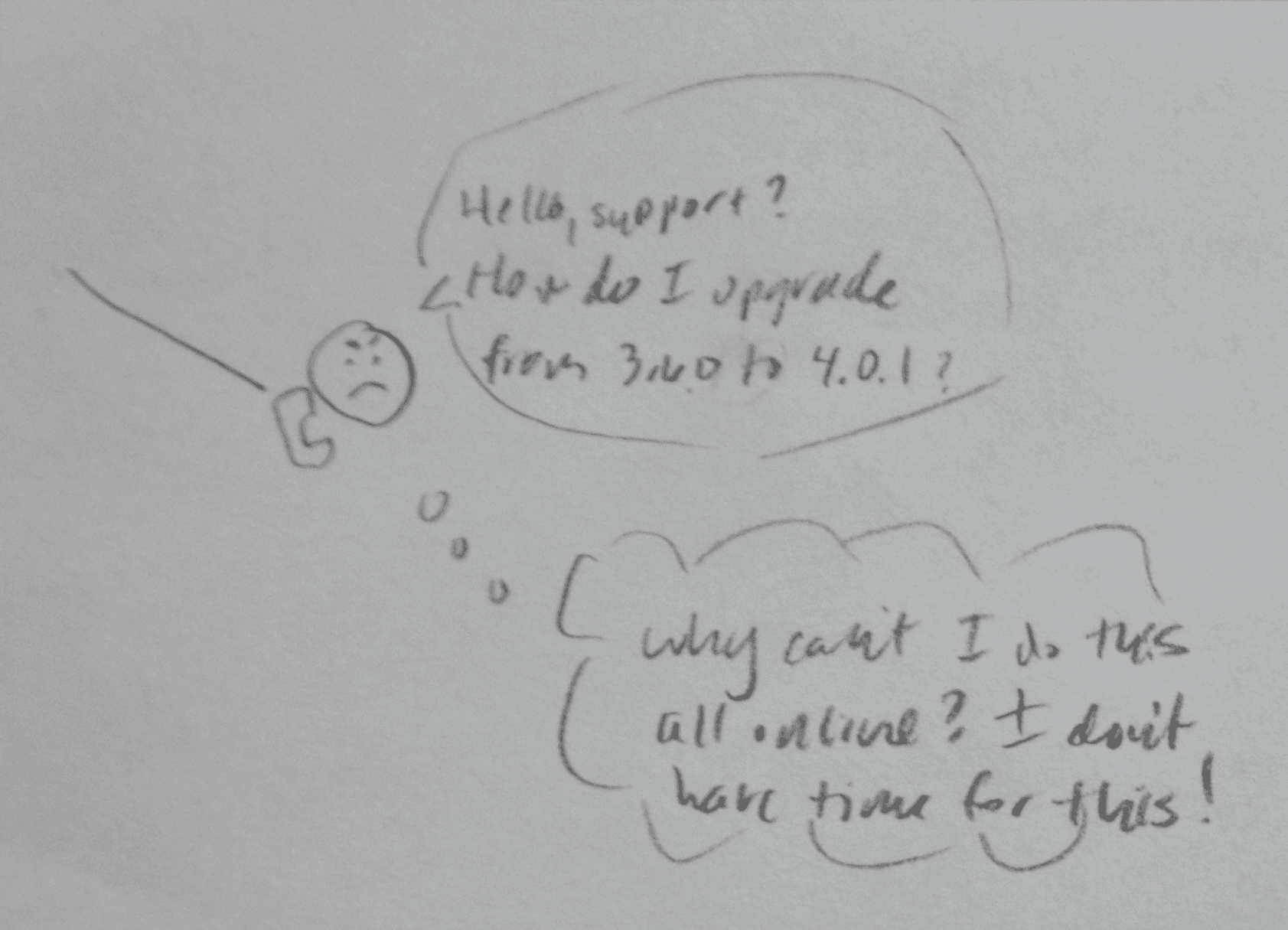
Resulting in irate users asking the same questions, taking up both their valuable time and that of our support agents, reducing retention and stickiness and driving up support costs…
I became an expert in ElasticSearch, creating a synonyms file to group related documents, working with developers to boost important metadata, and much more.

This is an excerpt from that analysis, from which I derived what rules to apply to handle documentation that was in two different formats, HTML and PDF, depending on which company it had been acquired from: France, Germany, or US.
With the help of an excellent book, Rosenfeld's Search Analytics for Your Site, I tested the top 5 matches for our most important products and reported improvement. I worked with stakeholders to identify the best matches for each product.

This enabled me to quickly show that for even our flagship products, search was returning old, irrelevant content.
I tested each product, charting the incorrect and exact items, as well as related product matches. This also enabled me to eliminate duplicates and weed out older content to ensure that the most recent and relevant documents were in the top 5 search results.

Even for our brand-new products (which I had helped design!), we were still far from where we needed to be. For our older, but still flagship, products, we were far behind.
I charted the current top 5 results vs the expected top 5 results for each product when installing, upgrading, and troubleshooting issues.
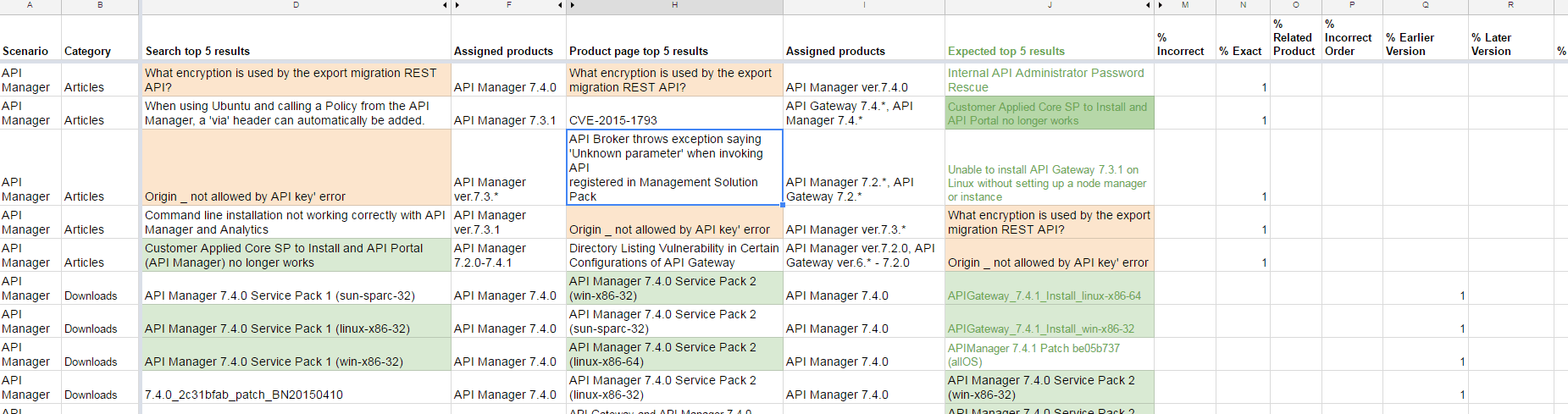
I focused on our API management suite in particular, since that was a new area we were breaking into, with stiff competition.
No problem! I take search optimization very seriously, as it's the hallmark to great self-service and reduced Customer Acquisition Cost (CAC). If you're interested, here's much more I've written on optimizing search.
